In today’s rapidly evolving digital landscape, businesses and content creators constantly seek ways to engage users efficiently while saving time.
Consequently, FAQ templates have emerged as an indispensable tool, enabling teams to maintain clarity, consistency, and professionalism across websites, blogs, and customer support platforms.
By leveraging templates, organizations not only streamline communication but also reduce repetitive inquiries, improve navigation, and enhance overall user experience.
Moreover, FAQ templates allow for easier updates, better branding, and SEO-friendly structures that help attract organic traffic.
Therefore, understanding, selecting, and customizing the right template becomes critical for any business aiming to improve engagement while minimizing operational effort.
In this comprehensive guide, we will thoroughly explore the types of FAQ templates, best practices, customization strategies, tools, common mistakes, and maintenance tips, providing you with actionable insights to create effective, user-friendly FAQ sections that truly serve your audience.
Understanding FAQ Templates
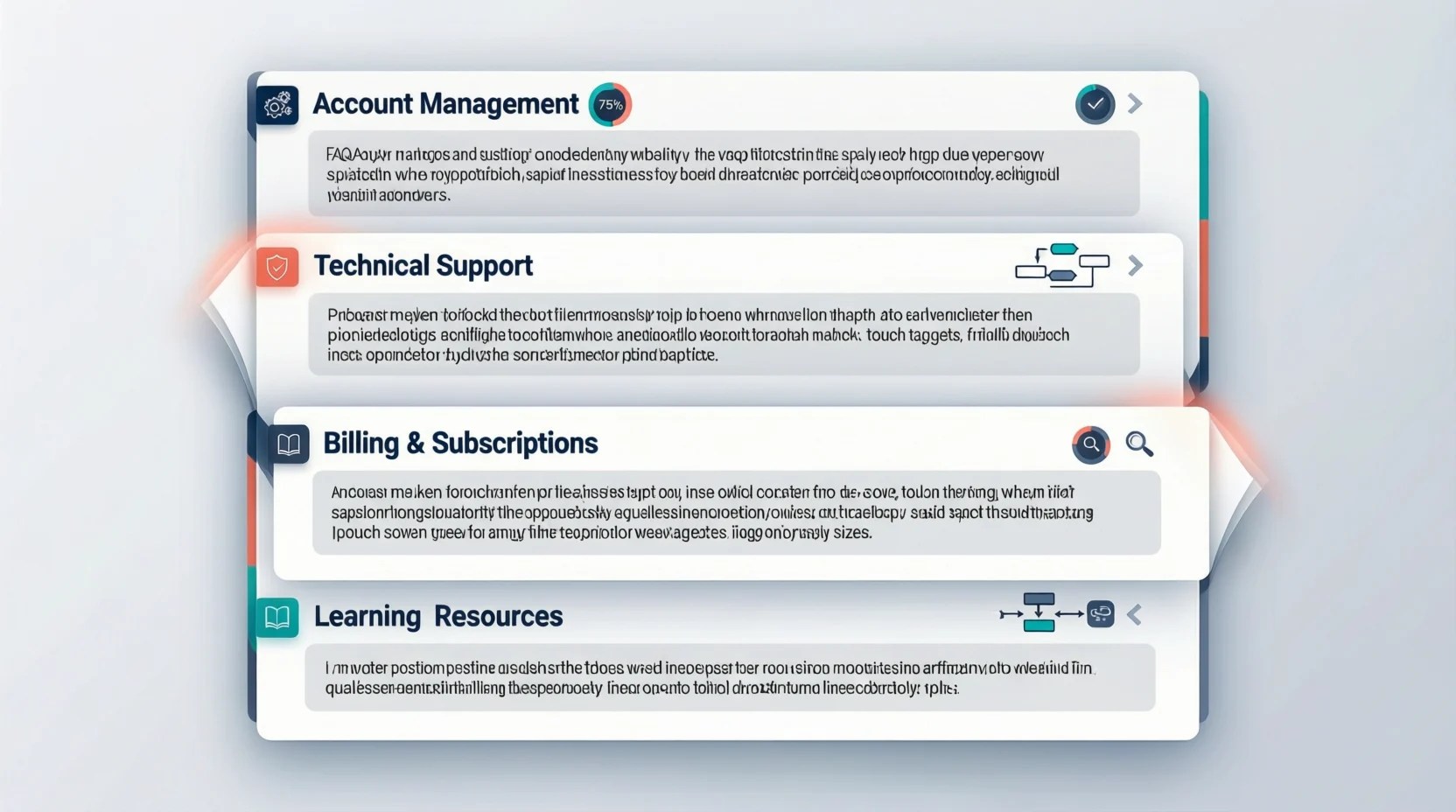
To begin with, FAQ templates are pre-designed formats that structure frequently asked questions and their answers consistently across platforms. Unlike ad-hoc FAQs, templates offer uniformity in tone, layout, and design, ensuring users experience clarity regardless of the page they visit. Additionally, templates can vary widely, including simple lists, accordion/collapsible sections, interactive chatbots, and even visual or video-based layouts.
For instance, while a basic Q&A list works well for blogs, interactive FAQ templates are ideal for SaaS platforms where users require dynamic guidance. Furthermore, templates facilitate scalability, meaning businesses can add new questions seamlessly without compromising consistency. By implementing FAQ templates, organizations not only streamline content management but also reinforce professional branding, improve user comprehension, and establish a foundation for long-term customer support efficiency.
Why Businesses Should Use FAQ Templates
First and foremost, FAQ templates save valuable time for both teams and users. By standardizing responses, organizations prevent repetitive drafting while ensuring that essential information remains accessible. Moreover, templates guarantee consistency in tone, style, and branding, creating a cohesive experience that enhances credibility. Additionally, well-structured FAQs reduce customer confusion and facilitate navigation, allowing users to quickly locate answers without contacting support.
Beyond efficiency, templates can also improve SEO, as structured content is more likely to be indexed and featured in search results. Furthermore, FAQ templates serve as effective onboarding tools for new team members, providing them with clear communication standards. Consequently, businesses benefit from improved productivity, reduced errors, and higher engagement. Therefore, incorporating FAQ templates becomes a strategic approach to enhancing both operational efficiency and user satisfaction simultaneously.
Types of FAQ Templates
When considering templates, it is essential to understand the variety of formats available:
- Basic Q&A Lists: Simple, straightforward, suitable for blogs or small websites.
- Accordion/Collapsible Sections: Compact, ideal for mobile-friendly layouts.
- Chatbot-Driven FAQs: Interactive, perfect for SaaS platforms or dynamic queries.
- Visual or Image-Based Templates: Engaging, effective for product-centric content.
- Video FAQs: Highly informative, ideal for tutorials and demonstrations.
- Topic-Specific Templates: Categorized for complex services or products.
- Product-Specific Templates: Detailed, helpful for e-commerce and tech products.
- Service-Specific Templates: Tailored for hospitality, healthcare, or consulting.
- Troubleshooting FAQs: Step-by-step solutions for technical or complex issues.
- Policy & Procedure FAQs: Official guidelines and compliance-related content.
Hence, selecting the appropriate type depends on the audience, platform, and information complexity.
Choosing the Right FAQ Template
To select the perfect template, consider audience needs, content complexity, and platform compatibility. Start by analyzing the most common user queries, then choose a format that presents information clearly and logically. Furthermore, templates must be mobile-responsive, ensuring seamless access across devices. Additionally, SEO optimization should influence structure, with headings and keywords naturally integrated.
Another critical factor is brand alignment: colors, fonts, and tone should reflect organizational identity. Finally, evaluating ease of updates and integration with CMS or support platforms ensures long-term sustainability. In essence, choosing the right FAQ template combines user-centric design, strategic organization, and operational feasibility, guaranteeing both engagement and efficiency.
Customizing FAQ Templates
Once a template is chosen, customization enhances usability and engagement. First, incorporate brand elements such as logos, colors, and typography to create a cohesive visual identity. Second, ensure that language remains clear, concise, and consistent, avoiding technical jargon whenever possible. Third, consider adding visuals, infographics, or videos to illustrate complex answers.
Fourth, embed internal links to relevant resources, guiding users toward more detailed information. Fifth, categorize questions logically and prioritize common or critical queries. Finally, update FAQs periodically to reflect new trends, products, or services. Consequently, customized FAQ templates not only improve comprehension but also reinforce professional branding and trust, making the section both informative and engaging.
Best Practices for FAQ Templates
Implementing FAQ templates successfully requires strategic best practices:
- Keep answers concise and actionable.
- Organize questions logically or by relevance.
- Use headings, bullet points, and formatting for scannability.
- Incorporate internal links to other resources or pages.
- Update content regularly to maintain accuracy and relevance.
- Optimize content with keywords naturally.
- Test templates across devices for responsiveness.
- Highlight critical information to draw user attention.
- Analyze analytics to determine most-viewed questions.
- Continuously refine templates based on feedback and engagement metrics.
Therefore, following these best practices ensures that FAQ templates remain effective, user-friendly, and sustainable.
Examples of Effective FAQ Templates
To illustrate, consider these real-world examples:
- E-commerce Websites: Product-specific FAQs with troubleshooting solutions.
- SaaS Platforms: Interactive FAQ chatbots guiding complex processes.
- Service Industry: Categorized templates addressing booking, policies, and procedures.
- Blogs: Simple Q&A lists for readers’ common inquiries.
- Educational/Nonprofit Websites: Policy and process FAQs.
- Technical Support: Step-by-step troubleshooting templates.
- Onboarding Resources: FAQs for new employees or clients.
- Interactive Chatbots: Automated responses with expandable information.
- Visual Templates: Image or video-guided instructions.
- Compliance FAQs: Structured legal or procedural content.
Clearly, adapting templates to purpose and audience maximizes engagement and usability.
Tools and Platforms for FAQ Templates
Next, leverage tools to simplify template creation and management:
- Google Docs / Microsoft Word: Quick, editable templates.
- Canva: Visually appealing FAQ designs.
- Notion: Internal knowledge base templates.
- Typeform / Jotform: Interactive, form-based FAQs.
- WordPress Plugins: Pre-built FAQ templates for websites.
- Shopify Apps: Product-focused FAQ sections.
- Zendesk / Freshdesk: Customer support FAQ solutions.
- Chatbot Builders: Automate responses and templates.
- Custom HTML/CSS: Unique and fully branded layouts.
- Interactive Dashboards: Track engagement and update FAQs dynamically.
Hence, choosing the right platform or tool ensures efficiency, scalability, and professional output.
Common Mistakes to Avoid
While creating FAQ templates, avoid frequent pitfalls:
- Overloading content with unnecessary details.
- Ignoring mobile optimization or accessibility.
- Leaving outdated or inaccurate answers.
- Using vague, confusing, or technical language.
- Poor categorization or disorganized layout.
- Neglecting SEO and internal linking.
- Inconsistent branding and tone.
- Failing to analyze user engagement metrics.
- Not updating templates regularly.
- Ignoring interactive or visual enhancements when necessary.
Avoiding these mistakes ensures your FAQ section remains user-friendly, effective, and professional.
Maintaining and Updating FAQ Templates
Finally, ongoing maintenance is crucial. Schedule regular content reviews, monitor analytics for trending queries, and incorporate user feedback to improve templates. Remove obsolete questions, refresh visuals, and ensure that formatting aligns with current branding and accessibility standards.
Additionally, automate updates where possible and test responsiveness on all devices. Consistent maintenance guarantees that FAQ templates stay relevant, accurate, and highly effective, ultimately enhancing user trust and engagement over time.
FAQs
Q1: What is a FAQ template?
A FAQ template is a pre-structured format for presenting frequently asked questions and their answers consistently.
Q2: Why should I use FAQ templates?
They save time, ensure consistency, improve user experience, and support SEO.
Q3: Which FAQ template format is best?
It depends on your audience and content complexity; common formats include Q&A lists, accordion FAQs, and interactive chatbots.
Q4: Can I customize FAQ templates?
Yes, customize fonts, colors, visuals, language, links, and layout to match your brand.
Q5: How often should I update FAQ templates?
Regular updates, ideally quarterly, ensure accuracy, relevance, and engagement.
Conclusion
In conclusion, FAQ templates are a vital tool for businesses seeking to enhance user experience, save time, and maintain professionalism.
By understanding the different types, selecting the right template, customizing it thoughtfully, following best practices, and maintaining it consistently, organizations can create a user friendly, engaging, and informative FAQ section.
Implementing effective templates not only reduces repetitive queries but also strengthens brand credibility and supports long-term growth.
Therefore, investing in well-structured FAQ templates is a strategic decision that pays off in improved efficiency, customer satisfaction, and overall website performance.

John Michael is the creative mind behind replyresponses.com, sharing witty, smart, and relatable responses for every situation — helping people text confidently, laugh often, and connect better every day.