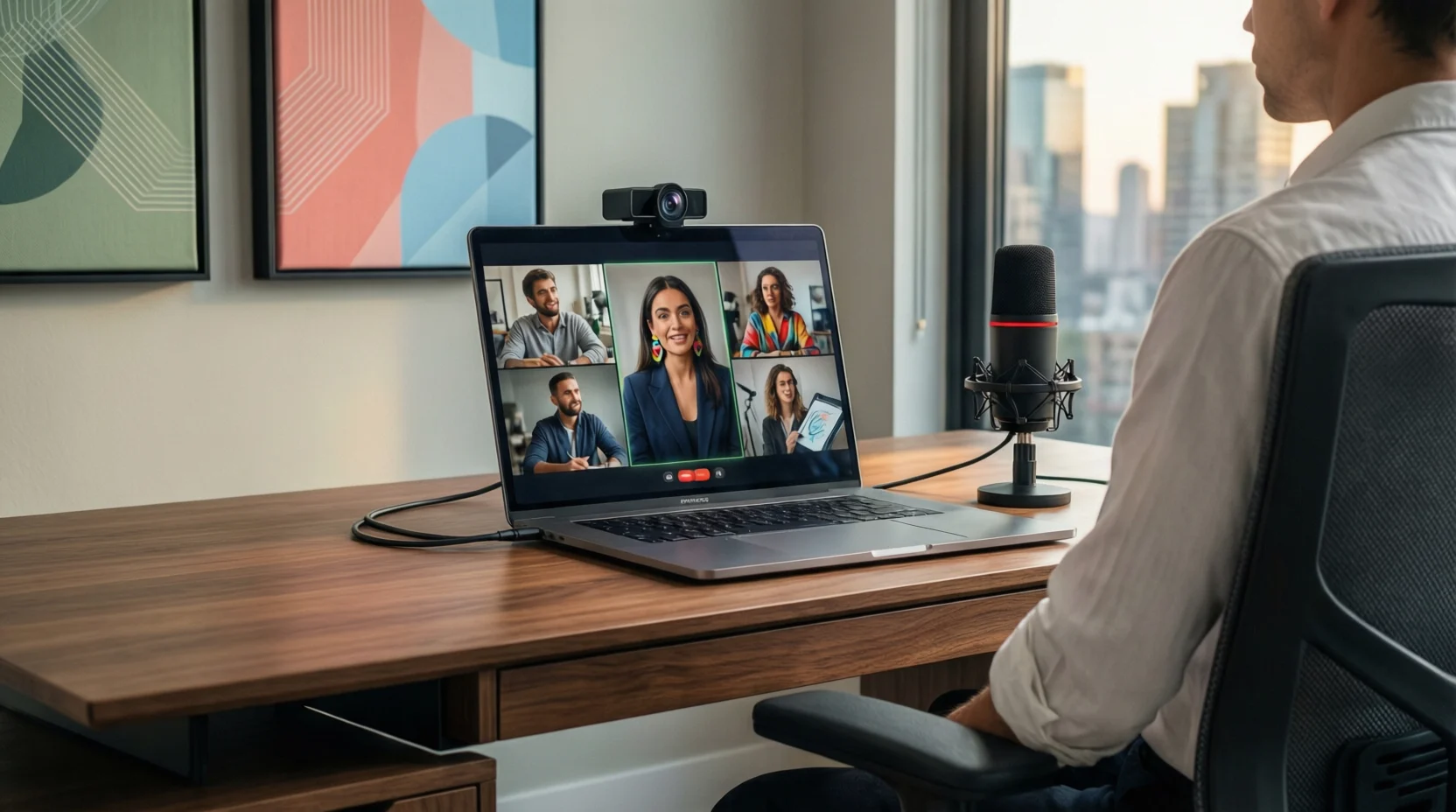
In today’s fast-paced, digitally connected world, video conferences have become an essential tool for communication, collaboration, and productivity.
Consequently, although video calls save travel time and enhance global teamwork, many individuals still encounter challenges, such as technical glitches, poor lighting, audio disturbances, or simply a lack of engagement.
Therefore, understanding how to prepare effectively, optimize technology, and apply professional etiquette can dramatically improve the outcome of every meeting.
Furthermore, by implementing strategic tips from workspace setup and camera positioning to communication techniques, engagement strategies, and post-meeting follow-ups—you can ensure that your virtual meetings are not only efficient but also polished, interactive, and remarkably productive.
Ultimately, mastering these video conference tips will allow you to present yourself professionally, communicate clearly, and maintain engagement, regardless of whether your team is across the street or across the globe.
1. Preparing for a Successful Video Conference
Firstly, preparation is the foundation of every successful video conference. Without proper planning, even the most advanced tools can fail to deliver results. Therefore, begin by checking your internet speed and ensuring a stable connection.
Simultaneously, update your video conferencing software to avoid unexpected crashes or missing features. Next, test your camera, microphone, and headphones thoroughly, which not only prevents technical issues but also ensures clear communication.
Additionally, choose a quiet, comfortable environment; inevitably, background noise or interruptions can disrupt the flow.Moreover, preparing a structured agenda and sharing materials in advance allows participants to engage more effectively.
Dressing professionally, even when working from home, demonstrates respect and authority. Furthermore, keeping water and notes handy ensures you stay focused. Ultimately, confirming participants’ availability and having a backup plan for technical failures guarantees smooth execution.
2. Optimizing Your Workspace and Environment
Next, your physical or virtual workspace significantly influences video call success. First and foremost, maintain a tidy, distraction-free background because clutter draws attention away from you. Likewise, using a neutral wall or subtle virtual background keeps the focus on your face and message. Importantly, position your camera at eye level, ensuring a natural and professional appearance. Lighting is equally critical; therefore, avoid strong backlighting and aim for soft frontal illumination.
Simultaneously, reduce ambient noise by closing doors or windows and using noise-canceling headphones. Moreover, comfortable seating and proper posture prevent fatigue, especially during lengthy calls. Organizing your desktop and reducing screen glare further enhance professionalism.
Occasionally, subtle elements like plants or minimalist decor can positively impact the visual impression. Consequently, an optimized workspace conveys competence, reduces distractions, and improves participant focus.
3. Audio and Video Quality Tips
Furthermore, excellent audio and video quality is pivotal for communication clarity. Therefore, investing in a high-quality microphone and HD camera immediately elevates professionalism.
Before joining a meeting, always test your equipment to avoid disruptions. Avoid echo and feedback by positioning your microphone properly and encouraging participants to mute themselves when idle. Additionally, check camera angle and lighting to ensure your face is well-lit and visible.
Using a wired internet connection whenever possible minimizes interruptions. Adjust system settings to enhance audio and video clarity. Simultaneously, maintain moderate gestures and facial expressions to complement verbal communication.
Moreover, consistent equipment checks and preparation prevent frustration, enhance engagement, and create a more confident online presence.
4. Professionalism & Meeting Etiquette
Equally important, professionalism extends beyond equipment and technical setup. Dressing appropriately signals respect, while polite greetings establish rapport. Similarly, avoiding eating or drinking on camera prevents distraction. Maintaining eye contact via camera and speaking clearly fosters trust and engagement.
Furthermore, using chat responsibly, refraining from interrupting, and following the agenda demonstrate discipline. Showing engagement through nods or subtle gestures encourages interaction. Finally, thanking participants and wrapping up formally leaves a lasting positive impression, reinforcing both your competence and leadership.
5. Effective Communication Techniques
Moreover, clear and structured communication is critical. Begin by using concise language and summarizing key points periodically. Asking polite clarifying questions ensures everyone understands. Repeating important points reinforces comprehension, while encouraging participation guarantees inclusivity.
Avoid excessive jargon to maintain clarity, and complement explanations with visual aids when possible. Confirm understanding of action points and actively listen without distraction. Providing follow-up documentation ensures clarity and accountability. In conclusion, effective communication techniques streamline meetings, reduce confusion, and promote productive outcomes.
6. Increasing Engagement in Video Conferences
Similarly, engagement is crucial for maintaining attention and participation. Employ interactive tools such as polls, quizzes, or breakout rooms to stimulate collaboration. Encourage video participation whenever feasible, and recognize participant contributions to motivate interaction.
Using storytelling or relatable examples enhances interest, while maintaining a lively pace avoids monotony. Rotate speaking opportunities to prevent dominance, and use reactions or hand-raising features to involve attendees.
Sharing slides or visuals further reinforces key points. By combining these strategies, you transform passive attendees into active contributors, maximizing meeting productivity and satisfaction.
7. Troubleshooting Technical Issues
Even with preparation, technical issues can occur. Therefore, keeping backup devices ready is essential. Familiarize yourself with platform shortcuts and restart devices when necessary. Ensure software updates are installed, and consider using low-bandwidth mode during slow connections.
Preload links, files, and presentations to avoid delays. Avoid unnecessary plugins, and record meetings for reference or troubleshooting. If issues persist, contact IT support calmly and professionally. Most importantly, maintain composure; a calm approach minimizes disruption and preserves meeting flow.
8. Time Management for Meetings
Efficient meetings require strategic time management. Always start and end on time, sticking closely to the agenda. Prioritize topics and assign roles such as moderator or note-taker to maintain structure. For longer meetings, schedule short breaks to prevent fatigue.
Summarize key points periodically, avoiding repetition or off-topic discussions. Use timers to allocate specific durations for agenda items. Ensure that action items and responsibilities are clearly assigned before concluding. Ultimately, disciplined time management improves efficiency, respects participants’ schedules, and ensures productive outcomes.
9. Post-Meeting Productivity & Follow-Up
Equally important, effective follow-up solidifies meeting impact. Send recap emails summarizing decisions and action points promptly. Review recordings if needed and organize notes systematically. Track task progress and update relevant project management tools.
Collect feedback to identify areas for improvement, reflecting on personal performance. Maintaining a meeting archive allows easy reference for future sessions. By implementing these post-meeting strategies, you enhance accountability, reinforce objectives, and continually improve meeting efficiency and effectiveness.
10. Advanced Tips for Frequent Video Conferencers
For those conducting frequent calls, advanced techniques boost professionalism and comfort. Use multiple monitors for multitasking, optimize lighting with professional kits, and utilize background noise suppression tools. Learning keyboard shortcuts and transcription software increases efficiency.
Experiment with camera angles and positioning to maintain visual appeal. Optimize setups for mobile participation and automate reminders to avoid last-minute stress. Finally, continuously evaluate and refine your setup, embracing emerging video tools and features. By consistently applying these advanced strategies, even routine meetings can feel polished, engaging, and highly productive.
Conclusion
Ultimately, video conferencing success depends on preparation, communication, engagement, and follow-up.
Small adjustments, from lighting and camera angles to active participation and proper etiquette, collectively enhance professionalism and meeting outcomes.
By following these comprehensive tips, you can consistently run productive, efficient, and engaging virtual meetings, leaving a lasting impression on colleagues, clients, and collaborators alike.
Consequently, mastering video conferences is not merely a technical skill but a strategic advantage in today’s remote and hybrid work environment.
FAQs
- How can I reduce background noise in video calls?
Use noise-canceling headphones, mute when not speaking, and close doors/windows to reduce distractions. - What lighting works best for video conferences?
Soft, frontal lighting that illuminates your face evenly, avoiding strong backlighting, creates a professional look. - How do I stay focused in long virtual meetings?
Take notes, participate actively, use breaks, and minimize multitasking to maintain attention. - Are virtual backgrounds always professional?
Yes, but ensure they are neutral, non-distracting, and appropriate for the meeting context. - How can I troubleshoot audio or video issues quickly?
Test equipment in advance, restart devices, check software updates, and have backup devices ready.

John Michael is the creative mind behind replyresponses.com, sharing witty, smart, and relatable responses for every situation — helping people text confidently, laugh often, and connect better every day.